Physical Address
304 North Cardinal St.
Dorchester Center, MA 02124
Physical Address
304 North Cardinal St.
Dorchester Center, MA 02124

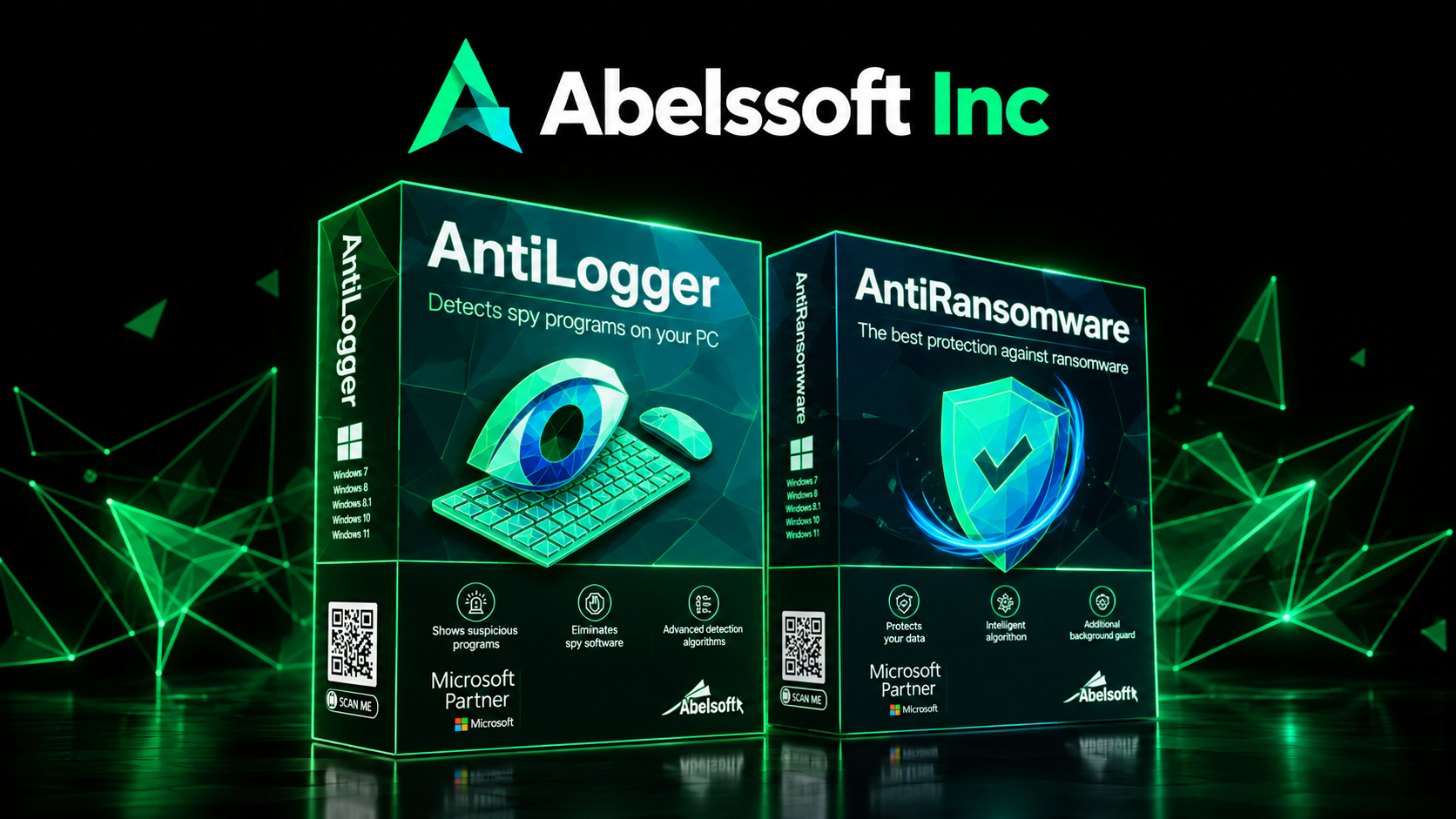
When I first looked at Abelssoft, I associated the company mainly with practical Windows utilities that help people clean, organize, optimize, or recover things from their computers. But the deeper I went into its Privacy and security section, the more I realized that there is a completely different side to the software portfolio. Instead of offering one giant security program that tries to do everything, Abelssoft has built a collection of focused tools for different problems: ransomware, keyloggers, browser tracking, stolen credentials, file encryption, password management, suspicious network activity, unwanted software, and even AI-assisted scam detection.
That approach is interesting because digital security is rarely one problem anymore. One person might need stronger passwords, another might be worried about ransomware, while someone else simply wants to stop their browser from leaving a trail everywhere they go.
That distinction matters because security softwares are often marketed as if installing one application magically creates an invisible force field around a computer. Real life is not quite that convenient. A secure software system needs multiple layers, sensible settings, updates, good passwords, backups, and some awareness from the person sitting behind the keyboard. Verizon’s 2025 Data Breach Investigations Report analyzed more than 22,000 security incidents and found credential abuse and vulnerability exploitation among the leading initial attack vectors, while ransomware appeared in 44% of breaches in its dataset.
So, in this guide, I am not simply going to repeat marketing claims. I am going through Abelssoft’s Privacy and security range, explaining what each product is designed to do, where it can genuinely help, where its limitations matter, and whether it makes sense for a typical Windows user.
I think the easiest way to understand Abelssoft’s approach is to stop thinking about cybersecurity as a single lock on a door. Imagine your computer is your house. Your password is the front-door key, encryption is the safe inside the house, the firewall is the security gate, ransomware protection is the alarm system, browser privacy is the curtain over the windows, and a backup is the spare house you can move into if something goes horribly wrong. Having one of those things does not automatically replace the others.
That is particularly important because modern attacks do not always look like the classic “virus” people remember from the early days of Windows. A compromised password can lead to an account takeover without any obvious malware appearing on the screen. A malicious browser extension can collect information. Ransomware can encrypt files. A phishing message can convince someone to hand over credentials voluntarily. Even legitimate applications can communicate with online services in ways users may not fully understand. CISA continues to recommend measures such as multifactor authentication, regular patching, offline backups, and updated software as part of ransomware defense.
This is where specialized security softwares can become useful. Instead of asking, “Which one program will protect everything?” I would ask a better question: “What specific risk am I trying to reduce?” Abelssoft’s portfolio becomes much easier to understand once you look at it that way.
A keylogger is the kind of threat that sounds almost ridiculously simple until you realize what it can capture. The idea is straightforward: software or malicious activity attempts to record what you type, potentially including passwords, messages, account details, or other sensitive information. Abelssoft AntiLogger is specifically designed around detecting suspicious keylogging activity rather than trying to be a generic “do everything” security package. The current Windows version provides continuous background monitoring, alerts when suspicious activity is detected, and analyzes system processes so users can identify potentially dangerous behavior. Abelssoft lists the 2026 version at €19.95 and provides a test download.
For me, the most interesting part is the proactive nature of the tool. Instead of waiting for a user to discover that something has gone wrong, AntiLogger is intended to monitor activity continuously and identify behavior associated with keylogging. It also includes protection against potentially dangerous browser extensions. That makes it more relevant to someone whose productivity and regular work depend on online banking, business accounts, confidential documents, or other sensitive information. However, I would not treat it as a replacement for strong passwords, MFA, Windows security features, or safe browsing habits. Its value is narrower: if keylogging and suspicious process activity are specific concerns for you, this is the type of specialized layer that can make sense.
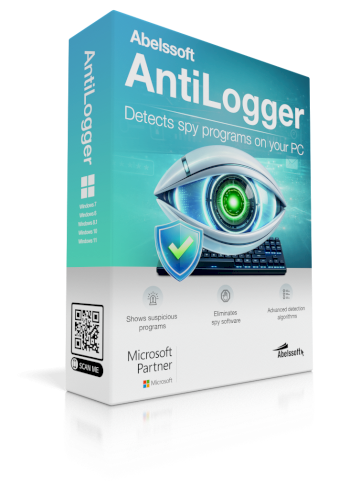
Ransomware is one of those threats where prevention is dramatically more pleasant than recovery. Instead of simply stealing information, ransomware can encrypt files and demand money for their release. Abelssoft AntiRansomware is designed to watch for suspicious file-encryption behavior in the background and react when ransomware-like activity is detected. According to Abelssoft, the software can alert the user, stop the system in an emergency, and provide a recovery-oriented workflow if an attack is detected. Its listed price is €29.95, with a 30-day trial.
This product makes particular sense for people who keep valuable files locally: photographers, freelancers, accountants, small businesses, students with years of work and productivity, or anyone whose “Documents” folder contains things they would rather not lose. But here is the important limitation: AntiRansomware should not be your backup strategy. CISA recommends maintaining offline backups and having a recovery plan alongside other protections. In other words, security softwares can help stop the burglar, but you should still have a copy of your valuables somewhere else. If your files are important, I would consider ransomware protection useful, but I would never buy it instead of maintaining reliable backups.
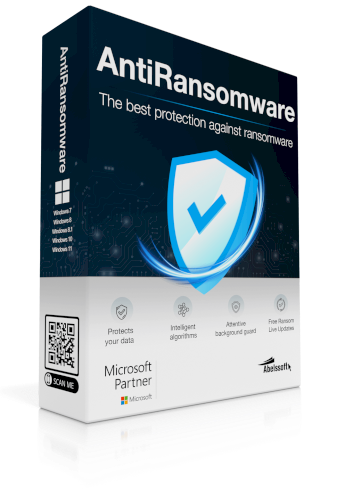
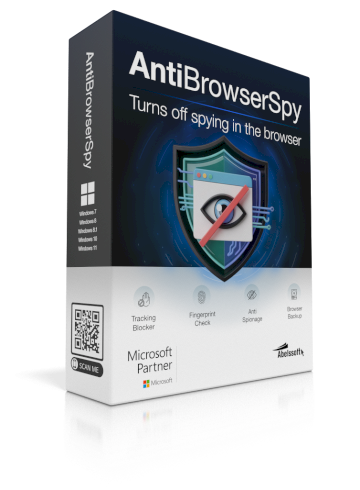
This is where the discussion moves from traditional cybersecurity into everyday privacy and security. AntiBrowserSpy focuses on browser privacy, tracking, browsing traces, and digital fingerprinting. Abelssoft says its current version can delete internet traces, adjust privacy settings, monitor changes, and use a “Stealth Browser” feature intended to change the browser’s digital fingerprint. It supports major browsers including Chrome, Firefox, Opera, and Edge. The listed price is €29.95.
I can see the appeal here because browser privacy is one of those things people often ignore until they suddenly realize how much information follows them around the internet. Search history, cookies, browser configuration, tracking technologies, and advertising identifiers can all contribute to a more detailed picture of a user’s online behavior. AntiBrowserSpy is therefore more appropriate for privacy-conscious users than someone simply looking for antivirus protection. One limitation is important: this is not a magical invisibility cloak. A privacy tool cannot make every aspect of online activity anonymous, and it should not be confused with a complete replacement for a VPN, secure account practices, browser privacy settings, or careful website selection.
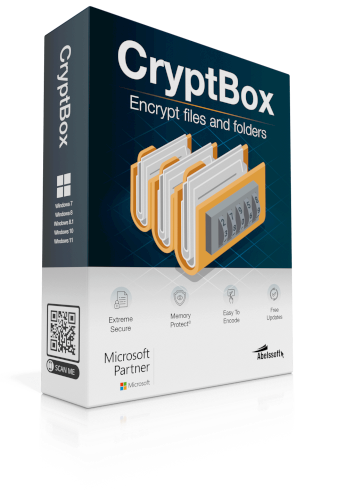
Sometimes the best way to protect information is not to hide it but to encrypt it. CryptBox takes that approach by allowing users to create encrypted storage for personal data and files. Abelssoft’s current version is listed as version 2026 and costs €29.95. One of its notable features is MemoryProtect, which is designed to prevent the password from being stored unencrypted in RAM.
This can be particularly useful when your computer contains tax documents, identity documents, private photographs, contracts, financial information, or work files that should not simply sit in an ordinary folder. The important thing to remember with encryption, however, is that your password becomes extremely important. If you forget the password to an encrypted vault, recovery may not be possible depending on the product and configuration. I would therefore recommend CryptBox to people who have a clear reason to protect local files, rather than someone who simply wants a general-purpose security program.
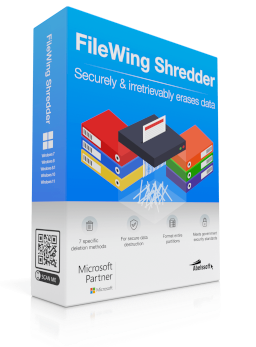
Here is a strange fact about computers: dragging a file into the Recycle Bin and emptying it does not necessarily mean that its contents can never be recovered. Depending on the storage technology and circumstances, deleted data may remain recoverable for some time. FileWing Shredder is designed specifically for secure and irreversible deletion, using different deletion algorithms to overwrite data before removing it. Abelssoft says the software system offers up to seven deletion methods, with the Pro version adding features such as wiping free space and securely formatting partitions.
I can imagine this being especially useful before selling, donating, recycling, or repurposing a computer, or when permanently removing highly confidential documents. It is also useful for businesses handling customer information or sensitive paperwork. The limitation is that secure deletion is not something you should perform casually. Once sensitive information has been deliberately shredded, recovery is exactly what you are trying to prevent. At €29.95 for the listed version, I would consider FileWing a specialist purchase rather than an everyday security necessity.
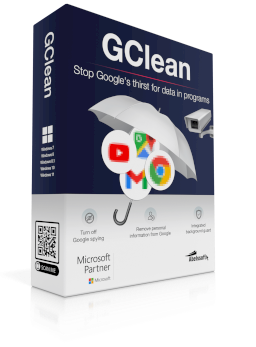
GClean is one of the more unusual products in this lineup because it focuses specifically on privacy around Google-related services and traces. Abelssoft says GClean can remove browsing traces, cookies, form data, and other Google-related data, while its G-Radar feature monitors for Google traces and data activity. The current listing shows version 226 and a price of €19.95.
The value here depends heavily on how much control you want over your digital footprint. If you use Google’s ecosystem extensively and are uncomfortable with the amount of information stored locally or associated with browser activity, a dedicated privacy utility can be useful. On the other hand, someone who already manages privacy carefully through browser settings, account controls, extensions, and other tools may find the additional software unnecessary. I would therefore treat GClean as a targeted privacy tool rather than an essential piece of every Windows installation.
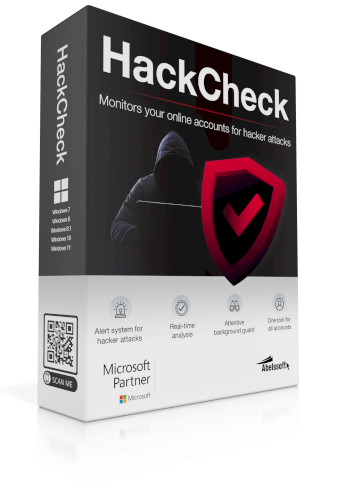
HackCheck tackles a different problem: you cannot fix a compromised account if you do not know it has been compromised. The software system monitors email addresses and mobile numbers for evidence of data breaches and provides alerts when information associated with monitored accounts appears in a hack or leak. Abelssoft says it can monitor multiple accounts, perform recurring checks, provide dark-web monitoring, and explain what kind of information may have been exposed. The current version is listed at €29.95.
This is particularly useful for people with productivity who have accumulated dozens of online accounts over the years. Most of us have signed up for services we barely remember, used the same email address everywhere, and occasionally clicked “I forgot my password” so many times that the account history probably needs its own autobiography. A monitoring tool can provide an early warning, but it cannot undo a breach. If HackCheck tells you that an account has appeared in a breach, the real response is to change the affected password, avoid password reuse, enable MFA where possible, and review account activity.
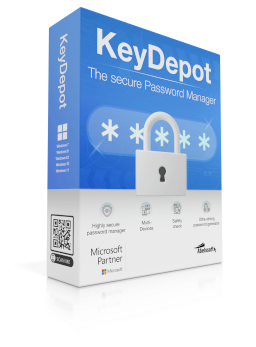
KeyDepot is one of the more practical products in the collection because it addresses a problem almost everyone eventually encounters: too many passwords. The tool stores login information in one place, provides a password generator, offers browser integration, supports CloudSync, and includes a security check for login data. Abelssoft lists AES-256 encryption for the password vault and a 2026 version priced at €29.95.
There is also an interesting connection here with license management. People often think of license management only in terms of software activation keys, but the broader idea is controlling and organizing the credentials and access information associated with the software and services you use. KeyDepot can help reduce the chaos around account credentials, while Abelssoft’s separate MyKeyFinder is designed specifically to locate product keys. NIST itself recommends password managers because they make it easier to generate and use long, unique passwords rather than reusing weak ones. If you manage many accounts for work or personal use, this is one of the Abelssoft tools I would take seriously.
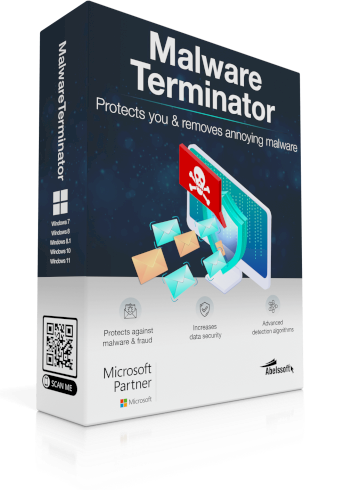
MalwareTerminator is aimed at malware and unwanted browser toolbars or software system that can sneak onto a Windows computer. Abelssoft describes it as a one-click cleaning tool that can identify unwanted toolbars, analyze the system, and remove problematic software. The current listed price is €19.95.
The interesting part is its simplicity. Not everyone wants to investigate browser extensions, startup entries, hidden software components, and unwanted installations manually. MalwareTerminator is designed for that less technical audience. Still, I would not confuse a specialized malware-removal utility with a complete modern endpoint security platform. If your computer is already heavily compromised, relying on one cleanup application alone would be a risky strategy. Think of it as a focused cleaning tool, not the entire security department.
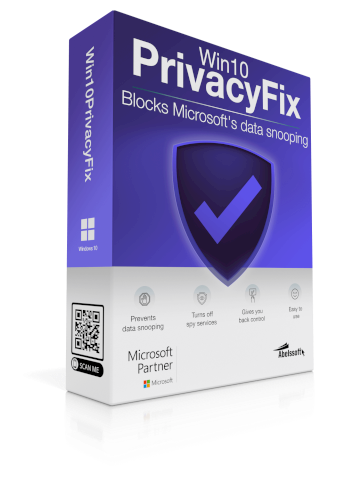
Win10PrivacyFix is designed to adjust Windows 10 privacy-related settings and reduce certain forms of data collection and background communication. Abelssoft says it can modify privacy settings, optimize certain Explorer and background services, and provide additional Windows tweaks. The current page lists version 2026 and a €9.95 price.
There is one enormous caveat here: Windows 10 reached the end of Microsoft’s standard support lifecycle in October 2025 for most users. That means anyone still running Windows 10 in 2026 needs to think about the operating system itself, not just privacy tweaks. A privacy utility cannot compensate for an unsupported operating system indefinitely. If you are still on Windows 10, I would treat Win10PrivacyFix as a niche tool and make your broader operating-system security strategy the priority.
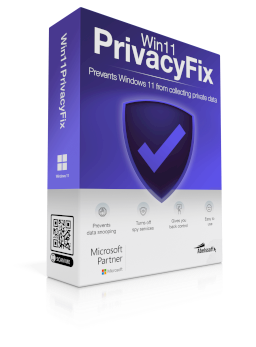
Win11PrivacyFix takes the same general concept into the Windows 11 environment. Abelssoft says the application provides one-click privacy optimization, lets users adjust Windows settings, and aims to give users greater control over information shared with Microsoft. The current version is 2026 and is listed at €9.95.
For someone who wants a simpler interface than manually searching through dozens of Windows settings, this can be convenient. I particularly like the idea of presenting privacy controls in one place because Windows has accumulated a surprisingly large collection of settings over the years. However, privacy settings should be changed carefully. Turning off a service without understanding what it does can occasionally create unexpected behavior. I would use Win11PrivacyFix as a convenience and control layer rather than assuming that clicking “optimize” makes Windows completely private.
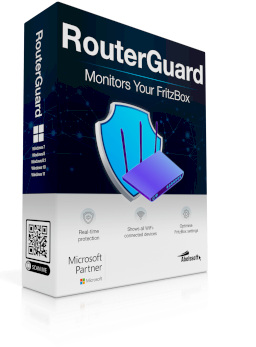
This is probably one of the easiest products to overlook. We spend so much time thinking about computers that we forget the box connecting those computers to the internet. RouterGuard is designed specifically for FRITZ!Box routers, monitoring the device for suspicious activity, showing connected devices, checking security settings, and providing features for blocking unwanted or scam phone numbers. The current version is listed at €19.95.
This becomes particularly interesting for homes and small offices where the router acts as the gateway for multiple computers, phones, smart devices, printers, and other connected hardware. If an unknown device appears on your Wi-Fi, it is useful to know about it. The limitation is obvious: RouterGuard is specialized for the supported FRITZ!Box ecosystem, so it is not a universal router-security product. If you do not use a compatible FRITZ!Box, this particular tool is not going to suddenly become useful because the marketing page looks impressive.
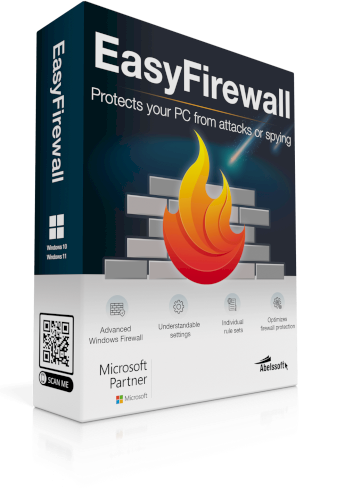
Windows already includes a firewall, so why would anyone pay for another firewall-related tool? EasyFirewall’s answer is that the built-in Windows Firewall can be powerful but confusing for ordinary users. Abelssoft’s software adds a more understandable interface, lets users create rules controlling which applications can communicate with the internet, provides real-time alerts, and includes a panic mode that can immediately interrupt network connections. The current listing shows version 2025 at €29.95.
I think this is where the word productivity becomes surprisingly relevant to security. Security controls are not very useful if nobody understands how to operate them. A complicated firewall that users ignore may be less practical than a tool that clearly explains what is happening. EasyFirewall could therefore appeal to technically curious users who want more visibility and control without manually wrestling with complicated Windows firewall rules. Still, I would not install it simply because “more firewall” sounds safer. If Windows Firewall already meets your needs and you understand your network configuration, the extra software system may not provide enough value to justify the cost.
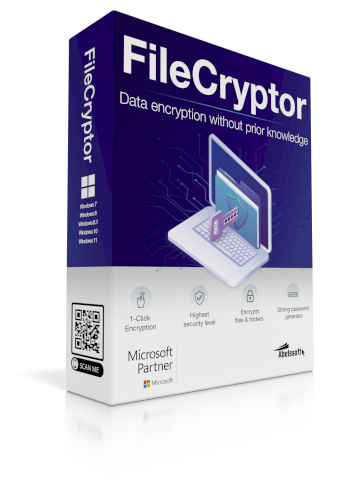
FileCryptor is another encryption-focused product, but its approach is deliberately simple. Abelssoft allows users to encrypt files or entire folders through a right-click or drag-and-drop workflow, and the software uses AES-256 encryption. It also includes a password generator and supports unlimited encryption in the full version. The listed price is €29.95, while the trial is limited to 10 encryptions.
The biggest advantage is accessibility. Encryption is one of those technologies people often understand conceptually but avoid using because it looks complicated. If FileCryptor makes someone actually encrypt confidential files instead of leaving everything unprotected because “I’ll do it later,” that simplicity has genuine value. The limitation is again password responsibility: Abelssoft states that an encrypted file cannot be recovered without the correct password. So yes, encryption can protect your files from unauthorized access, but it can also protect them from you if you lose the password.
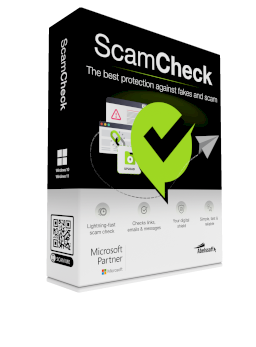
ScamCheck is one of the newer additions and brings the security conversation into a very current problem: phishing and scams that are becoming increasingly convincing. Abelssoft’s 2026 ScamCheck can analyze suspicious emails, links, text, or screenshots and use AI-based analysis to identify common scam patterns and provide guidance on what to do next. The current product page lists Windows 11 and Windows 10 support, version 2026.1.1, and a €29.95 price.
I find this particularly relevant because not every security incident begins with malicious software system. Sometimes it begins with a message that looks legitimate enough to fool a tired human at 11:47 p.m. A fake delivery notification, an urgent account warning, or a message claiming that a payment failed can create exactly the kind of emotional pressure that makes people click before thinking. ScamCheck can provide another layer of analysis, but users should remember that AI is not an oracle. A suspicious message should still be verified through the official website, app, phone number, or another trusted channel rather than blindly trusting any automated verdict.
After looking through the entire range, I would not recommend buying every product simply because it exists. That would be like buying a toolbox and then carrying every screwdriver, wrench, hammer, and mysterious metal object everywhere you go. The smarter approach is to match the software with the problem you actually have.
| Your main concern | Abelssoft tools to investigate |
|---|---|
| Passwords and account security | KeyDepot, HackCheck |
| Ransomware | AntiRansomware |
| Keyloggers | AntiLogger |
| File encryption | FileCryptor, CryptBox |
| Permanent file deletion | FileWing Shredder |
| Browser privacy | AntiBrowserSpy |
| Google-related privacy | GClean |
| Windows 11 privacy | Win11PrivacyFix |
| Windows 10 privacy | Win10PrivacyFix |
| Unwanted malware/toolbars | MalwareTerminator |
| FRITZ!Box security | RouterGuard |
| Windows firewall control | EasyFirewall |
| Scam and phishing analysis | ScamCheck |
This is also where license management and purchasing strategy become important. If you are buying several applications, keep a proper record of activation information, purchase dates, supported operating systems, renewal/update terms, and which computer each license is installed on. Abelssoft’s product pages commonly provide trial versions, free email support, and a period of included updates, but the exact trial limitations and update arrangements vary from product to product.
This is the section I would not skip before purchasing anything. Abelssoft offers many useful specialized utilities, but these products should be viewed as components of a broader software system, not as a substitute for the fundamentals or to be a part of your productivity. You still need operating-system updates, strong and unique passwords, MFA wherever available, sensible browser behavior, secure backups, and caution with unexpected links and attachments. Verizon’s 2025 research demonstrates why this layered approach matters: credential abuse, vulnerability exploitation, ransomware, and third-party involvement all remain significant parts of the global threat landscape.
The same applies to businesses. IBM’s 2025 Cost of a Data Breach research put the global average cost of a data breach at approximately $4.44 million across its study, demonstrating that cybersecurity incidents can create costs far beyond the price of security softwares themselves. A €20 or €30 utility cannot eliminate that risk by itself. What it can do is address a particular weakness more conveniently, especially for Windows users who want focused controls without building everything manually.
After going through the Privacy and security range, my biggest takeaway is that Abelssoft is not really trying to sell one universal security solution. It is selling a collection of focused tools. Some are designed for privacy, some for encryption, some for monitoring, some for account protection, some for network control, and others for very specific Windows problems. That makes the range easier to appreciate once you stop comparing every product with a traditional antivirus program.
Would I recommend buying all of them? Absolutely not. Would I completely ignore them because Windows already includes security features? Also no. If you have a specific problem that one of these tools solves particularly well, the convenience can justify the purchase. FileCryptor may make sense for someone who wants simple file encryption. KeyDepot may be useful for someone drowning in passwords. AntiRansomware can provide another protective layer around valuable files. HackCheck can help people monitor exposed accounts. EasyFirewall can appeal to users who want more understandable control over network connections. And ScamCheck has an obvious use case for people who frequently receive suspicious emails and messages.
If you came here expecting me to say, “Install this one Abelssoft product and your computer will be completely secure,” I am going to disappoint you—and that is probably a good thing. Security and privacy do not work that way. Abelssoft’s Privacy and security collection is better understood as a toolbox where each application addresses a different problem. The right purchase depends on your computer, your habits, the information you store, your privacy expectations, and the threats you are most concerned about.
For everyday users, I would start with the basics before spending anything: keep Windows updated, use MFA, use unique passwords, maintain backups, and be careful with links and attachments. If you then discover a specific gap, Abelssoft’s focused tools become much easier to evaluate. The company’s current catalog includes products for encryption, ransomware, password management, browser privacy, account-breach monitoring, network control, Windows privacy, malware cleanup, secure deletion, and scam detection.
And honestly, that is what I like most about this range. You do not have to buy a giant package filled with features you will never touch. You can identify the problem first and then choose the tool that addresses it. In a world where our computers contain everything from family photographs and private conversations to business documents, banking information, passwords, and years of work, that targeted approach can be much more practical than pretending one button can solve everything.
If I had to summarize the entire Abelssoft Privacy and security section in one sentence, it would be this: don’t buy security softwares because you are scared; buy it because you understand the specific risk you want to reduce. That mindset will help you make a better decision, spend less unnecessarily, and build a more sensible security setup around the devices and data that actually matter to you.
Are Abelssoft security softwares worth buying?
They can be worthwhile when a specific product solves a problem you actually have. Abelssoft offers focused utilities rather than one identical solution for every security problem, so the value depends heavily on the individual use case.
Is Abelssoft a replacement for antivirus software?
Not necessarily. Several Abelssoft products address specific threats or privacy concerns, but users should still maintain appropriate built-in or third-party endpoint protection, operating-system updates, backups, and safe security practices.
Which Abelssoft software is best for passwords?
KeyDepot is the dedicated password-management option. It provides encrypted password storage, a password generator, browser integration, CloudSync, and a security check for stored login information.
What is the difference between FileCryptor and CryptBox?
Both focus on protecting files through encryption, but they approach the task differently. FileCryptor emphasizes quick, simple encryption of individual files and folders, while CryptBox provides an encrypted safe with additional features such as MemoryProtect.
Should I buy several Abelssoft security products together?
Only if their functions correspond to different risks you genuinely need to address. Buying five products that overlap with features you already have is unlikely to improve your security as much as properly configuring your existing protections, enabling MFA, keeping software updated, and maintaining reliable backups.
Where can I see the current Abelssoft Privacy and Security products?
The official Abelssoft Windows section is the best place to check the current catalog, supported Windows versions, pricing, trial availability, and product updates because software availability and versions can change over time. Abelssoft Windows Software

Share your details, and we will get back to you shortly!
This will close in 0 seconds
Share your details, and we will get back to you shortly!
This will close in 0 seconds