Physical Address
304 North Cardinal St.
Dorchester Center, MA 02124
Physical Address
304 North Cardinal St.
Dorchester Center, MA 02124

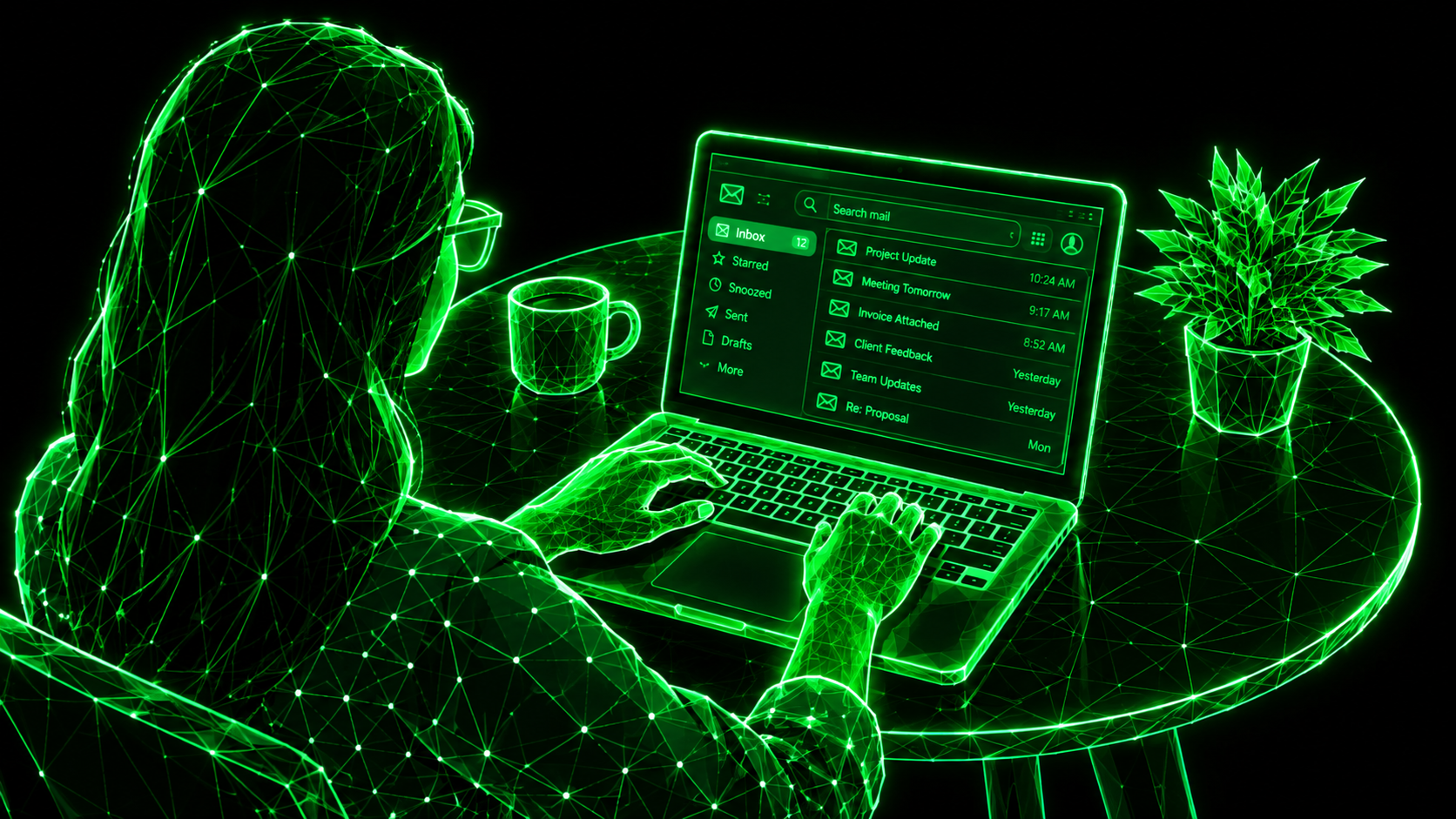
If you are a business professional, there is a good chance your inbox has become a second office—and possibly the messiest room in it. You open your email in the morning intending to answer five important messages, only to find 47 new emails waiting for you. Some are from clients, some are newsletters you don’t remember subscribing to, and others are messages you promised yourself you would answer three days ago. This is exactly why effective email handling matters. Your inbox should help you run your business, not become another business problem you have to manage every day.
I used to think that getting better at email meant simply checking my inbox more often. It sounds logical, right? If emails are piling up, check them more frequently. Unfortunately, that approach can turn your working day into a never-ending cycle of opening, reading, replying, deleting, and repeating. The real solution is not to spend more time inside your inbox; it is to build a simple system that tells you what deserves your attention, what can wait, and what should disappear altogether. Once you approach email this way, email handling becomes considerably easier, more predictable, and much less stressful.
The problem with email isn’t necessarily the number of messages you receive. It is the number of decisions each message demands from you. Should you reply now? Should you forward it to someone? Should you save the attachment? Is it important? Can you delete it? Should you follow up next week? Every one of these tiny decisions consumes mental energy, and when dozens or hundreds of emails arrive throughout the week, those decisions start competing with the work that actually makes you money.
This is particularly challenging for business owners, freelancers, managers, consultants, and professionals who communicate with multiple clients every day. A client waiting for an answer may be sitting in the same inbox as a promotional email offering 20% off shoes you never wanted. Yet your brain has to process both. That’s where a structured approach to email handling makes a difference. Instead of treating every email as equally important, you create rules that separate urgent communication from background noise. Your inbox then becomes a workspace rather than a digital junk drawer.
Inbox Zero sounds wonderful until you actually try to achieve it. You delete hundreds of messages, archive everything, feel like a productivity superhero for approximately ten minutes, and then your inbox starts filling up again. The problem is that a completely empty inbox isn’t necessarily the goal. A better goal is an inbox that is under control. You should know what requires action, what has already been handled, what you are waiting for, and what can be ignored without consequences.
I find it much easier to think of email as a task-management system rather than a storage room. When a message arrives, I quickly decide what it means instead of allowing it to sit there indefinitely. If it requires a response, I deal with it or schedule time for it. If it contains useful information, I file it. If it is irrelevant, I remove it. This simple decision-making habit can transform your daily email handling because you stop rereading the same messages five times. Your inbox becomes a place for decisions, not a museum of unread emails.
One of the easiest improvements you can make is creating sensible folders. You don’t need 37 folders with complicated names that require a map to navigate. In fact, excessive organization can make email management more difficult. I prefer broad categories that reflect how I actually work. For example, you could create folders such as Clients, Finance, Projects, Follow-Up, Important, and Personal. The objective is not to create a perfect filing cabinet; it is to make important information easy to find when you need it.
The real advantage of folders appears when you stop using your inbox as permanent storage. Imagine a client sends you a contract that you may need three months from now. Keeping it buried among hundreds of other messages isn’t particularly helpful. Moving it into a relevant folder gives it a logical home and removes unnecessary visual clutter from your inbox. Most modern email services also allow filters and rules to move certain messages automatically, meaning your system can do part of the email handling for you instead of expecting you to manually organize every message.

One of the biggest mistakes I see professionals make is constantly checking their inbox. A notification appears, they stop working, open the message, read it, perhaps respond, and then attempt to return to their original task. Ten minutes later, another notification arrives. Congratulations—you are now working for your inbox instead of your inbox working for you.
A better approach is to establish specific email-checking periods during your day. Depending on your role, that could mean checking emails once in the morning, once around midday, and once before finishing work. Of course, certain businesses require faster communication, so the schedule should match your responsibilities. The important point is to create boundaries. During focused work, turn off unnecessary notifications and allow yourself to concentrate. Good email handling is not about responding to everything immediately; it is about responding to the right things at the right time.
Think of your inbox like your office desk. If someone kept throwing papers onto your desk every day, you wouldn’t simply buy a bigger desk. You would remove unnecessary papers and create a system for dealing with new ones. Your inbox deserves the same treatment. Becoming your own email cleaner doesn’t mean spending three hours every Sunday deleting old messages. It means preventing unnecessary emails from accumulating in the first place.
Start by identifying the types of messages that repeatedly waste your attention. Newsletters you never read, promotional emails you don’t care about, automated notifications that provide no value, and old subscriptions are common offenders. Instead of manually deleting the same type of message every week, deal with the source. Use filters, rules, automatic sorting, and unsubscribe options wherever appropriate. The best email cleaner is not the person who deletes 2,000 emails in one afternoon; it is the person who prevents those 2,000 unnecessary emails from appearing in the first place.
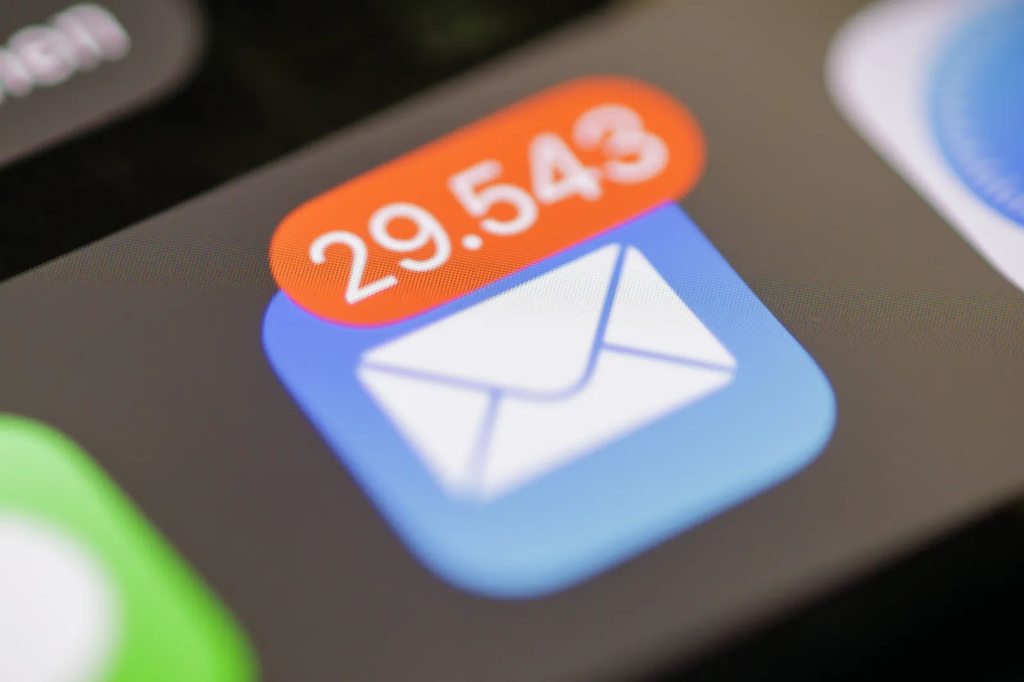
Let’s be honest: we have all subscribed to something because a website promised a discount, free guide, special offer, or some other irresistible temptation. Then the emails kept coming. One email became three, three became fifteen, and suddenly your inbox looked like a marketing conference had taken place inside it.
This is where the unsubscribe button becomes your friend. If you haven’t opened a newsletter in months and cannot remember why you subscribed, there is a strong possibility you don’t need it. Take a few minutes every week to review unwanted subscriptions and unsubscribe from the ones that no longer provide value. Be selective, though. Don’t unsubscribe from essential business communications simply because you are having an inbox-cleaning mood. The goal is not to eliminate email; it is to eliminate unnecessary email. A cleaner inbox gives important client messages more visibility and makes your overall email handling much easier.
A professional email doesn’t need to look like a legal document. One of the most useful habits you can develop is learning how to write short, clear, useful messages. When someone asks a straightforward question, they usually don’t need your autobiography before getting the answer.
Before sending a message, ask yourself what the recipient actually needs to know. Put the main point near the beginning, explain the necessary details, and finish with a clear next step when appropriate. If you need something from the recipient, say exactly what you need and by when. A good response to email should make the next action obvious. This saves time for both sides and reduces the chances of endless back-and-forth conversations. Being concise isn’t being rude; in a busy professional environment, clarity is often a form of respect.
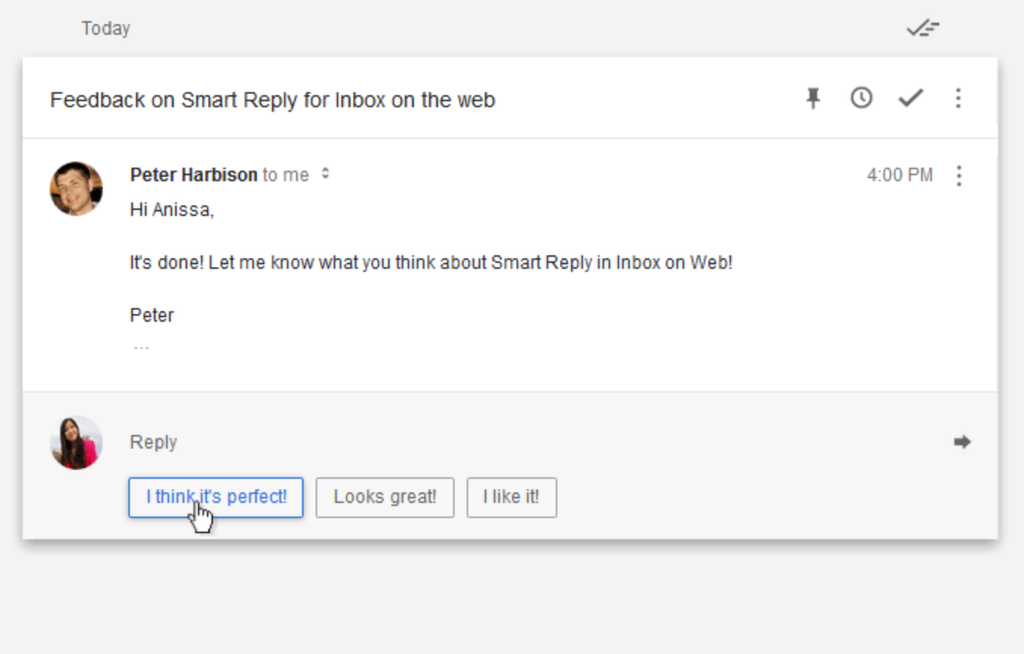
If you have been running a business for any length of time, you probably send certain emails repeatedly. Client onboarding messages, quotations, meeting confirmations, follow-ups, payment reminders, project updates, introductions, and appointment confirmations often contain the same basic information. Writing each one from scratch is an unnecessary drain on your time.
Create professional templates for these recurring situations. You don’t have to copy and paste the exact same message every time; instead, create a strong framework that you can personalize. For example, your client follow-up template could contain a polite opening, a brief reminder about the previous conversation, the action you need, and a closing. Then you can customize the details for each person. This makes your response to email faster while still keeping it human. Automation should remove repetitive work, not make your communication sound like it was written by a toaster.
Your inbox automatically puts new messages at the top, but newest does not mean most important. A client who emailed you ten minutes ago isn’t necessarily more important than a client whose message arrived yesterday. If you organize your workload purely according to arrival time, your inbox controls your priorities.
Instead, ask what impact each message has. Is there a client waiting for an important decision? Is there a deadline today? Is someone blocked because they need information from you? Is the message simply an update that can wait? These questions help you distinguish urgency from importance. Effective email handling means giving your attention to emails according to their business value rather than allowing notifications to dictate your schedule.
A five-minute cleanup at the end of your workday can prevent tomorrow’s inbox from becoming today’s problem. I don’t mean that you need to achieve an absolutely empty inbox before shutting down your computer. Instead, spend a few minutes processing the messages that accumulated during the day.
Delete obvious junk, archive completed conversations, move important information into the appropriate folders, flag messages that require follow-up, and deal with anything that can be answered in a minute or two. If you repeatedly receive unnecessary marketing messages, unsubscribe from them rather than promising yourself you’ll delete them tomorrow. This small routine essentially turns you into an email cleaner for your own inbox and creates a much calmer starting point for the following morning.
There is one final principle that completely changed the way I think about email: just because someone can send me an email doesn’t mean they automatically receive my attention. Email is a communication channel, not an emergency alarm. If you allow every notification to interrupt your work, your ability to focus will gradually disappear.
Set reasonable expectations with clients and colleagues about your availability and typical response times. If something is genuinely urgent, there should ideally be another agreed-upon communication method for urgent matters. Otherwise, allow your email to wait until your scheduled processing time. A thoughtful response to email delivered after focused work is often more valuable than a rushed response delivered immediately. Your clients need reliability and clarity—not evidence that you are sitting beside your inbox 24 hours a day.

If your inbox is currently a disaster, don’t try to fix everything at once. That is how people end up spending an entire Saturday deleting emails and wondering why they ever started. Instead, create a clean starting point. Search for obvious promotional messages and bulk-delete or archive them where appropriate. Unsubscribe from recurring messages you no longer want. Move important conversations into relevant folders, and identify the emails that genuinely require action.
You can also create a temporary folder such as “Old Inbox” and move older, non-critical emails there if your email platform allows it. This doesn’t mean you’re ignoring them forever; it means you’re separating historical clutter from current work. Then start fresh with a simpler system. If something from the old inbox becomes relevant later, you can search for it. Modern email search is powerful enough that you don’t need to keep every message sitting visibly in your main inbox.
The most important thing is to avoid turning email cleanup into another productivity obsession. You don’t need a perfectly organized inbox with color-coded labels, seventeen filters, and a folder for every possible human emotion. You need a system you can actually maintain. The best email handling strategy is the one that still works on a busy Tuesday when you have meetings, clients, deadlines, and approximately zero patience for administrative nonsense.
It is easy to become obsessed with the appearance of your inbox. An empty inbox feels satisfying, and an overflowing inbox feels stressful. But the real purpose of professional email management isn’t to make the screen look beautiful. It is to help you communicate more effectively, protect your time, and ensure that important opportunities and client conversations don’t disappear underneath irrelevant messages.
When you use folders intelligently, remove unnecessary subscriptions, unsubscribe from emails you don’t need, create useful templates, and develop a reliable response to email routine, the entire process becomes easier. Tools can certainly help, including filters, scheduling features, reminders, search functions, and an email cleaner, but tools are only useful when they support a simple system. Technology cannot save a workflow that has no rules.
I don’t believe professional email handling should require you to spend half your working life inside your inbox. The goal isn’t to answer every email the second it arrives. The goal is to create a system where important messages receive attention, unnecessary messages disappear, and your inbox doesn’t constantly compete with your actual work.
Start small. Create a few useful folders. Set specific times for checking email. Become ruthless about what deserves your attention. Unsubscribe from newsletters you never read. Build templates for repetitive communication. Practice writing a clear response to email instead of composing unnecessarily long messages. And use an email cleaner approach to prevent the same clutter from returning.
Most importantly, don’t panic if your inbox is currently a mess. Mine has been there, too. Email clutter doesn’t mean you’re disorganized or unproductive; it usually means your communication system has grown faster than your method for managing it. Once you build a practical routine, email handling becomes far less intimidating. Your inbox may never be completely empty—and honestly, it doesn’t need to be. It just needs to stop running your life.
1. What is email handling?
Email handling is the process of organizing, prioritizing, responding to, and managing emails efficiently.
2. How can I improve my email handling?
You can improve email handling by using folders, setting priorities, creating templates, and checking your inbox at scheduled times.
3. What is the best way to clean a messy inbox?
Start by deleting unnecessary emails, archiving completed conversations, and using an email cleaner approach to prevent future clutter.
4. When should I unsubscribe from emails?
You should unsubscribe from newsletters and promotional emails that you no longer read or find useful.
5. How quickly should I send a response to email?
A response to email should be sent within a reasonable timeframe based on its urgency and the expectations of the sender.
6. How do folders help with email management?
Folders help organize important messages so you can quickly find client conversations, documents, projects, and other information.
7. Is checking email constantly good for productivity?
No, checking email constantly can interrupt focused work, so scheduled email-checking sessions are usually more productive.
8. Can email automation improve email handling?
Yes, filters, templates, scheduling, and automatic sorting can significantly reduce repetitive email tasks.
9. What should I do if my inbox has thousands of emails?
Focus on current and important messages first, then gradually archive, delete, and unsubscribe from unnecessary emails.
10. Should I try to keep my inbox completely empty?
Not necessarily; the goal of effective email handling is control and organization rather than achieving a permanently empty inbox.

Share your details, and we will get back to you shortly!
This will close in 0 seconds
Share your details, and we will get back to you shortly!
This will close in 0 seconds