Physical Address
304 North Cardinal St.
Dorchester Center, MA 02124
Physical Address
304 North Cardinal St.
Dorchester Center, MA 02124

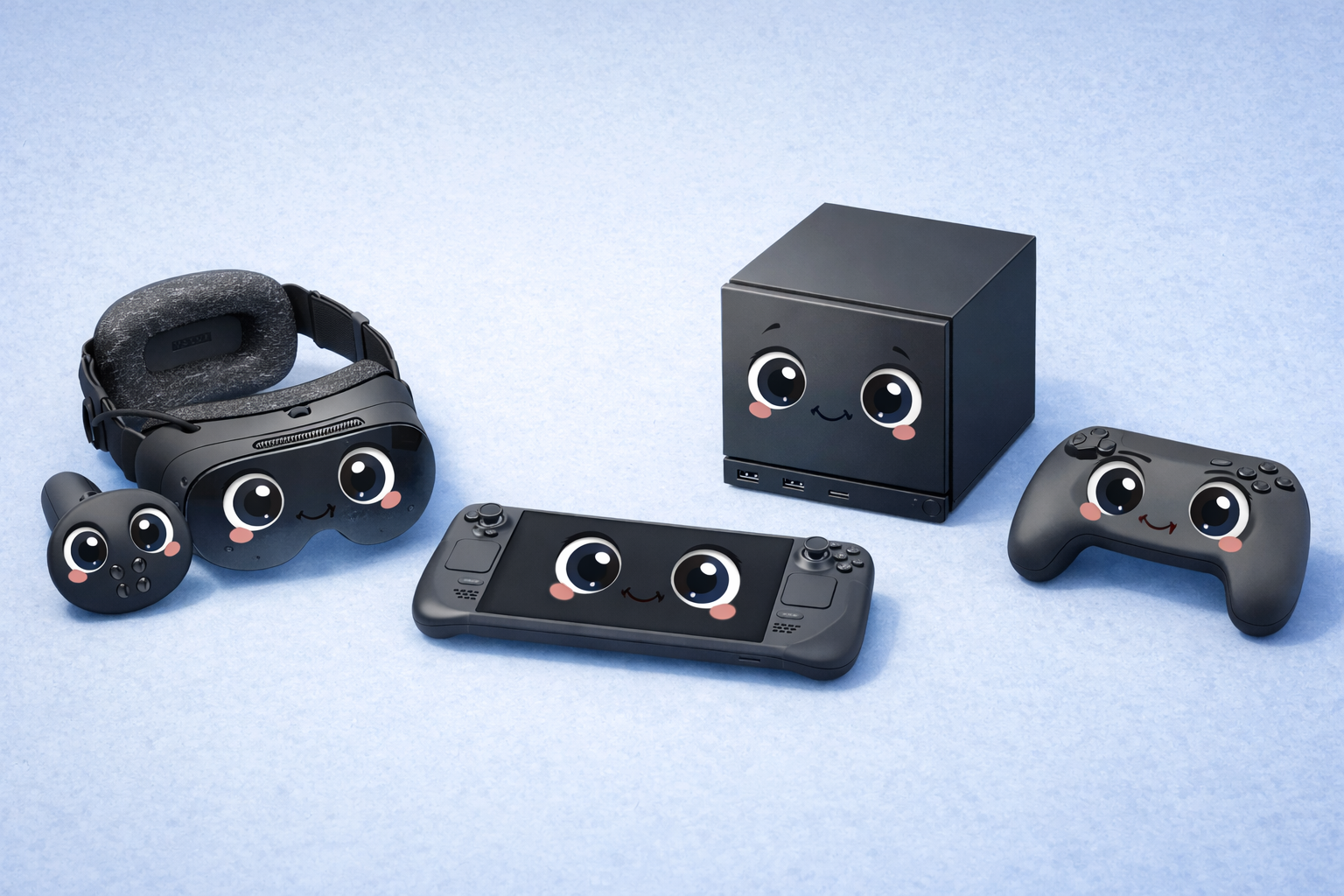
When I first picked up the steam deck, I figured it would just be another console, another device to enjoy, and that’s about it. But, as soon as I held it in my hands and turned it on, I quickly realized that it wasn’t just any device—I was actually holding a full-fledged computer, a gaming computer, inside a compact device. While it can get a bit heavy, it also feels comfortable to carry around. And while it might not have the most comfortable grips right now, they’re definitely comfortable in my hands. And then, of course, there is the screen.
While it can come in LCD form, it also comes in OLED. And no matter which version it is, it is definitely impressive. While it can feel a bit bright sometimes, it just feels alive. And as soon as I held the steam deck in my hands, I realized it wasn’t just another console, another device trying to compete with anything and everything. No, it felt like. my desktop computer had shrunk, and it followed me wherever I decided to go.
What surprised me most, however, was how seamless everything was. I opened up the computer and logged into my account, and there, to my surprise, was my entire Steam Library instantly. No hassle, no confusion. Just instant familiarity. Instead of learning something new, I felt as though I was picking up where I had left off back on my computer. It was then that I saw this device not as a replacement for something, but as an extension.
As I began to research the different versions of the steam deck, I found that Valve actually provided users with choices, as opposed to minor visual changes. For example, the original LCD decks offer various storage versions. These include the 64GB eMMC, 256GB SSD, and 512GB SSD. While the 64GB version is cheaper, it didn’t take me long to learn that current video games are enormous in size. Although it is possible to buy a microSD card to increase storage capacity, opting to purchase the SSD steam decks will offer a better gaming experience.
Then comes the OLED Deck, and to be frank, here is where we can talk about a significant enhancement. The OLED comes not just with the improvement of color quality but also improves the quality of brightness, contrast, and even the refresh rate, along with the battery’s improvement in hardware to make it more efficient. The 90Hz refresh rate improves the quality of smoothness greatly, especially when a game is moving rapidly.
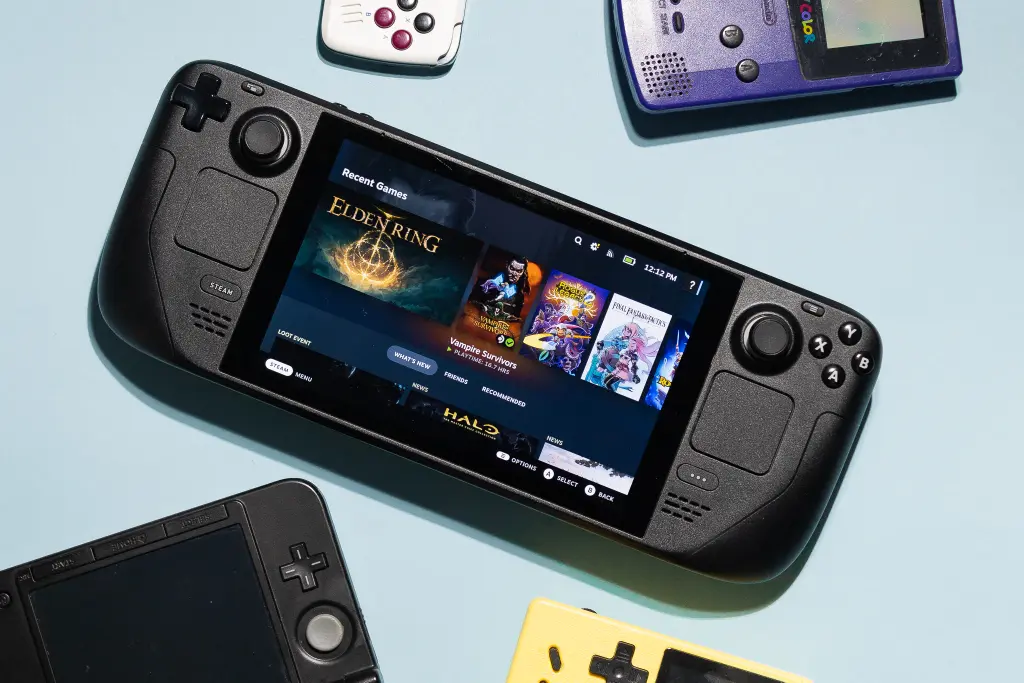
Opening a scene in a dark environment does not look slightly washed out, as is often the case with LCD screens. The OLED model is also available in 512GB and 1TB capacities, and that is another enhancement. Battery life is improved because of the hardware upgrades to make it more efficient, allowing more usage from the device than from the original LCD Steam Deck. However, the good news is that all of them can offer you high performance, and that is because of the architecture being the same.
Now, let me give my honest Steam Deck review after really spending some quality time with it. Performance-wise, for a handheld, it’s actually quite impressive. I played AAA titles, indie games, competitive shooters, and even older classics from my Steam Library, and most ran surprisingly well. Valve’s verification system slaps games with labels such as “Verified,” “Playable,” or “Unsupported,” which did help give me a good idea of what would run smoothly.
Of course, even if the games weren’t officially verified, I could fiddle around with the settings and still manage to make them work. And honestly, that’s one thing I liked more than anything else: being able to fiddle around with the graphics, frame rates, and performance limits to suit my taste. It didn’t feel locked down like most consoles. It felt flexible.

Controls – well done. The analog sticks feel good, the triggers respond well, and the haptic trackpads are fantastic, especially in strategy games. I customized the shortcut buttons so that navigation is more streamlined. I used it to create custom commands like settings, brightness, or even saving in certain games. Customization at this level makes the deck feel like it’s truly yours. It adjusts itself to how you want it, instead of fitting you into how it works.
Notifications are also handled smartly. When I get updates, downloads finish, or even receive messages from friends, the pop-ups occur in an organized manner without disturbing game activity in an annoying way. Also, the user interface is friendly and even console-based in Gaming mode. However, what makes it so powerful and different is that with the click of a button, I am able to shift to Desktop mode and use it as PC software, considering its underlying base as Linux-based, including functionality such as browsing the web and testing different launchers. It is as if two devices are in one.
The battery life also depends on the type of games I play. Lightweight games can run for a few hours, whereas heavy-duty games can reduce the battery life. However, I must say the ratio of performance to portability is quite impressive. I did not imagine I could run large-scale PC games from the comfort of my sofa without compromising much on performance. That, I think, is what the steam deck is all about.
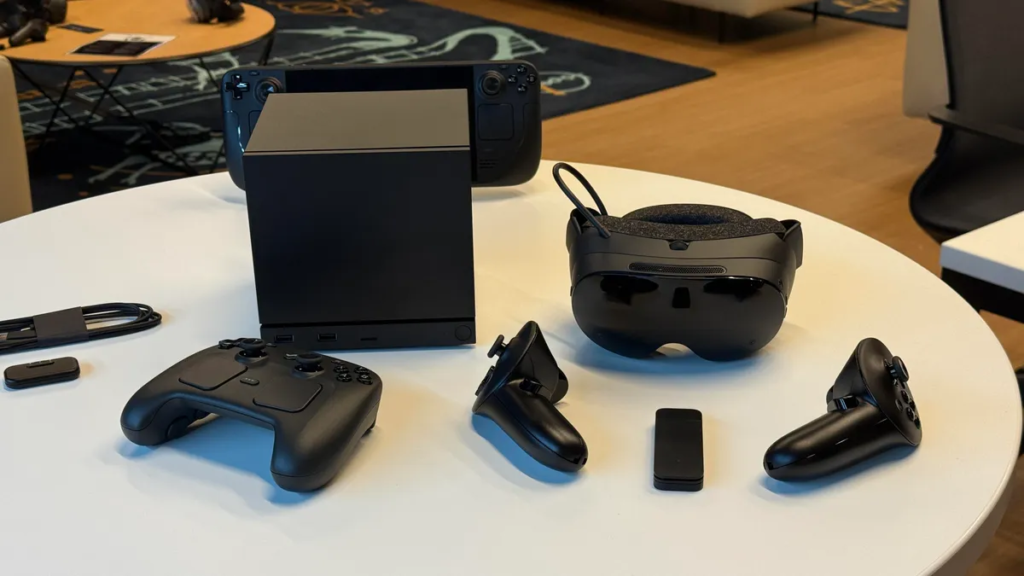
However, Steam Deck is not alone on this. Valve had created a whole ecosystem for the Steam Deck. It officially comes with a Docking Station, and through it, It can be connected to a display device such as a monitor, a keyboard, and a mouse. In other words, It can be used to play games on a display device. Therefore, It is more of a hybrid system.
Beside this, Valve has also invested in VR devices such as Valve Index, which is designed for high-end enthusiasts who enjoy virtual reality. This again is not directly related to the Steam Link but speaks to the larger commitment to innovation in the Steam ecosystem of devices. There are also various accessories and controllers that provide expansion on the functionality of this device. I’m able to connect Bluetooth headphones, controllers, storage devices, and so on. It does not feel limiting. It feels open.
What I personally love is that everything is connected to the Steam Library. Whether I am using it in handheld mode, docked mode, or running on my desktop computer, my games are all synced. The progress is connected. The preference settings are all connected. So, it is a seamless experience instead of multiple gaming experiences.
Having used it extensively, I can assert that the Steam Deck, while allowing gamers access to high-performance games, is not only intended for hardcore gamers. Yes, it does provide access to high-performance games, and yes, it does provide access for hardcore gamers who wish to play games while adjusting settings and customizing keys. However, it is also pretty accessible for those who wish to simply boot up games from their Steam Library. They can do so fairly intuitively, as the interface is quite easy to navigate.
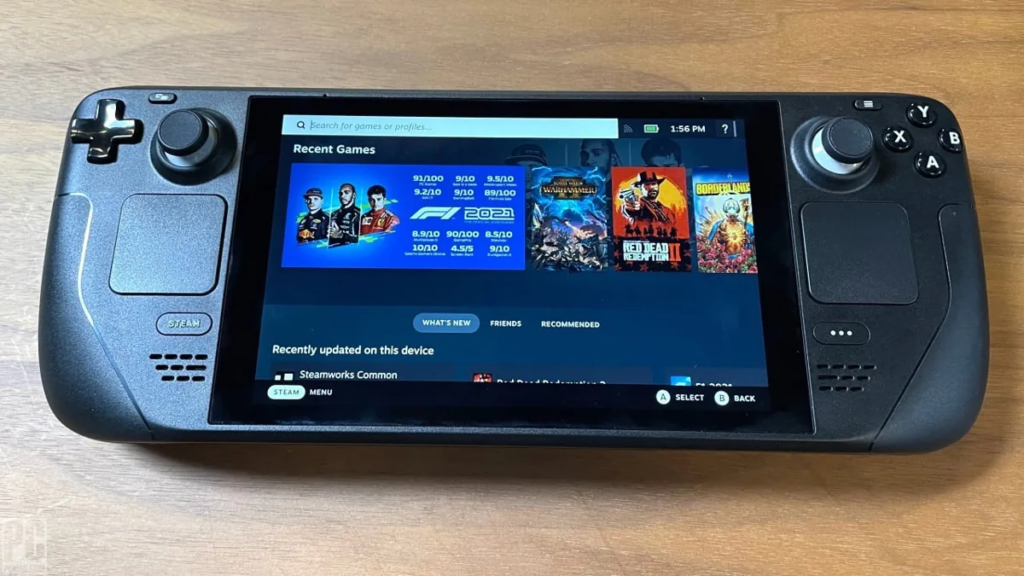
What makes the Steam Deck special is that it strikes a wonderful balance. It balances portability and power, simplicity and flexibility. Console-like comfort meets PC-like flexibility. It does not try to replace your computer, and it complements it beautifully. For me, it feels like a bridge between traditional console and open-field PC gaming. Whether you’re a competitive gamer, a casual gamer, or just curious about PC gaming for the first time, it has something to offer.
The steam deck, therefore, is a major leap forward for gaming portability. I get access to all of my Steam Library, customizable shortcuts, efficient notifications, and incredible performance, which is something I thought was not possible to achieve with a handheld device. Whether using a laptop screen or OLED, I think it’s worth what I paid for, and with other steam equipment, I get the feeling not only of a product, but of a platform. For me, the it is not just convenient, it’s a game-changer.
1. Is the Steam Deck suitable for non-technical users?
Yes, absolutely. While it offers advanced customization, it also works smoothly out of the box in Gaming Mode.
2. Can I access my entire Steam Library on the Steam Deck?
Yes, once you log in, your Steam Library appears, and you can download compatible games directly.
3. What is the difference between LCD and OLED Steam Deck models?
The OLED model offers better color accuracy, higher brightness, improved refresh rate, and slightly better battery efficiency.
4. Can I use shortcuts and customize controls?
Yes, you can fully customize shortcuts, control layouts, and performance settings according to your preferences.
5. Does the Steam Deck show notifications while gaming?
Yes, notifications for updates, downloads, and friends appear cleanly without disrupting gameplay.

Share your details, and we will get back to you shortly!
This will close in 0 seconds
Share your details, and we will get back to you shortly!
This will close in 0 seconds